
Being a student in today’s world means dealing with a constant stream of assignments, projects, deadlines, and submissions — all while managing your time and budget. The good news is that you don’t need expensive software or complicated tools to stay on top of everything. The internet is packed with free, powerful online tools that can make your student life dramatically easier.
In this guide, we’ve rounded up the top 10 free online tools that every student should know about. From converting and managing documents to calculating your GPA and converting measurements, these tools cover the most common challenges students face every day. Best of all, most of them are available in one place at OneClickPDFConvert — no downloads, no registrations, completely free.
Why Free Online Tools Matter for Students
Students are often on tight budgets. Paying for software subscriptions like Adobe Acrobat, Microsoft Office, or specialized converters simply isn’t realistic for most. Free online tools eliminate this barrier completely. You get professional-grade results without spending a single penny.
Beyond cost, convenience matters. Online tools work on any device — your laptop, your phone, a library computer. There’s nothing to install, and you don’t need to worry about software updates or compatibility issues. Everything runs in your browser, instantly.
1. PDF to Word Converter — Edit Any PDF Document
One of the most frustrating experiences for students is receiving a PDF document that they need to edit, quote from, or modify for their own work. By default, PDFs are not editable — but a PDF to Word converter changes that instantly.
With OneClickPDFConvert’s PDF to Word File Converter, you can upload any PDF and get back a fully editable Word document in seconds. The formatting, tables, headings, and images are all preserved accurately. This is incredibly useful for editing lecture notes, research papers, official forms, and assignment templates provided by your university.
Best for:
- Editing PDF study materials and lecture notes
- Filling in assignment templates provided as PDFs
- Extracting text from research papers for reference
2. Word to PDF Converter — Professional Document Submission
Most universities and colleges require assignments, thesis documents, and reports to be submitted in PDF format. Converting your Word document to PDF ensures that your formatting stays intact — fonts, spacing, margins, and headings will look exactly the same for your professor as they do on your screen.
OneClickPDFConvert’s Word to PDF converter does this instantly and accurately. No more worrying about your carefully formatted assignment looking broken when someone else opens it. Just convert and submit with confidence.
Best for:
- Submitting assignments, essays, and reports
- Creating professional CVs and cover letters
- Sharing study notes with classmates
3. PDF Compressor — Solve Upload Size Limits
Every student has experienced this frustration: you’ve prepared a beautiful assignment with images and tables, but the university portal rejects it because the file is too large. PDF compressors solve this problem instantly.
The PDF Compressor on OneClickPDFConvert reduces your file size significantly — often by 60 to 80 percent — without any noticeable loss in quality. What was a 15MB PDF becomes 3MB, easily fitting within any upload limit. This is one of the most-used tools by students worldwide.
Best for:
- Uploading assignments to student portals with file size limits
- Emailing large project files to professors
- Saving storage space on your device or cloud storage
4. Image to PDF Converter — Turn Photos into Documents
Students often take photos of handwritten notes, whiteboards, textbook pages, or physical documents and need to submit them digitally. The Image to PDF converter makes this seamless — you can upload one or multiple photos and combine them into a single, clean PDF document.
This is perfect for submitting handwritten assignments, photographed lab notes, or any physical document that needs to be digitized. OneClickPDFConvert supports JPG, PNG, HEIC, and many other formats.
Best for:
- Submitting handwritten assignments digitally
- Converting photographed textbook pages to PDF
- Creating a PDF from multiple photos of a document
5. OCR PDF Tool — Make Scanned Documents Searchable
OCR stands for Optical Character Recognition. When you scan or photograph a document, the result is an image — not actual text. You can’t search through it, copy text from it, or edit it. OCR technology reads the image and converts it into real, editable, searchable text.
For students who work with scanned textbooks, historical documents, handwritten notes, or research papers from old journals, OCR is a game-changer. OneClickPDFConvert’s OCR PDF tool makes any scanned document fully searchable and editable in seconds.
Best for:
- Making scanned textbooks searchable for studying
- Extracting text from photographed research papers
- Digitizing handwritten notes into editable text
6. GPA Converter — Calculate Your GPA Accurately
GPA calculation can be confusing, especially when you’re applying to universities in different countries that use different grading scales. OneClickPDFConvert offers both a GPA Converter and a GPA to 4.0 Scale Converter to make this simple.
Whether you’re converting percentage grades to GPA, letter grades to a 4.0 scale, or trying to understand how your academic performance translates for international applications, these tools give you instant, accurate results. They support grading systems used worldwide, making them useful for students applying to universities in the US, UK, Canada, Australia, and beyond.
Best for:
- International university applications requiring GPA on a 4.0 scale
- Scholarship applications with specific GPA requirements
- Tracking academic performance across different grading systems
7. PowerPoint to PDF Converter — Share Presentations Professionally
Presenting your work is a major part of student life. Whether it’s a class presentation, a seminar, or a project defense, PowerPoint files are the standard. But sharing a .pptx file can cause problems — the recipient may not have PowerPoint, or the fonts and formatting may look different on their device.
Converting your PowerPoint to PDF solves all of these issues. The PDF will look exactly the same on every device, with all animations and formatting preserved as static slides. It’s also a smaller file that’s easier to share by email or upload.
Best for:
- Sharing class presentations with professors and classmates
- Uploading presentation slides to learning management systems
- Creating a printable version of your presentation for handouts
8. PDF to Excel Converter — Extract Data from Documents
Students studying business, economics, finance, or data science frequently need to work with data that comes in PDF format — financial reports, research data tables, statistical summaries. Manually re-entering this data into Excel is time-consuming and error-prone.
The PDF to Excel converter automatically detects tables in your PDF and exports them into an editable spreadsheet. This saves hours of manual work and allows you to immediately start analyzing, graphing, and working with the data.
Best for:
- Extracting data tables from research papers
- Working with financial data from PDF reports
- Converting class schedule or timetable PDFs into editable spreadsheets
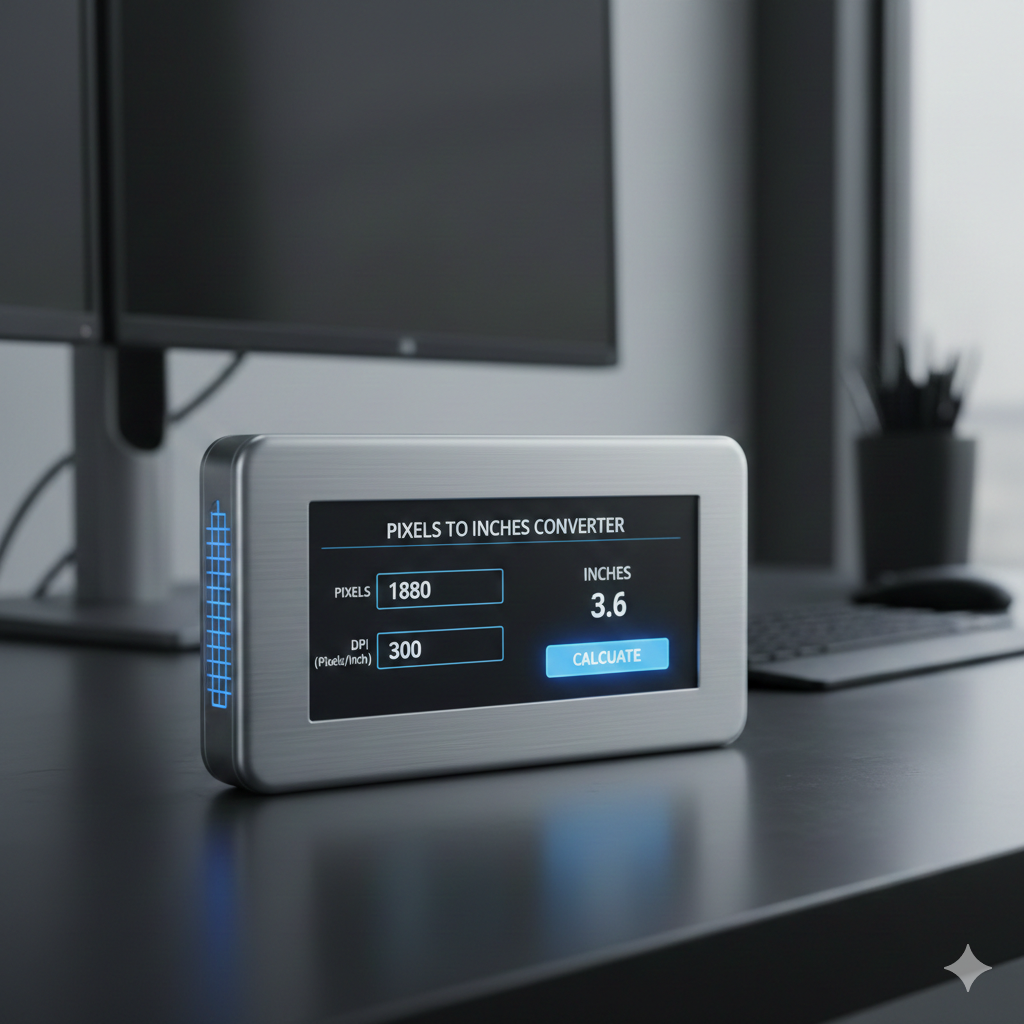
9. Pixels to Inches Converter — For Design and Print Projects
Students taking design, architecture, engineering, or media courses regularly need to convert digital measurements to physical ones. When designing a poster, brochure, or print layout, you need to know exactly how large your design will be when printed.
The Pixels to Inches Converter on OneClickPDFConvert lets you input your pixel dimensions and the DPI (dots per inch) setting to instantly calculate the exact print size in inches. This ensures your design assignments and projects are sized correctly before submission.
Best for:
- Design students creating print-ready projects
- Engineering students working with technical drawings
- Photography students preparing images for print
10. EST to IST Time Zone Converter — For International Students
International students and those attending online courses with professors or classmates in different time zones face a constant scheduling challenge. What time is a 3 PM Eastern Time lecture if you’re based in India? The EST to IST Converter gives you the answer instantly.
This tool is invaluable for international students, online learners, and anyone participating in virtual classes, webinars, or group projects across time zones. Never miss a deadline or lecture because of a time zone miscalculation again.
Best for:
- International students following online course schedules
- Students coordinating group projects with classmates in different countries
- Scheduling virtual meetings with professors or advisors abroad
Bonus Tips: How to Make the Most of Free Online Tools
- Bookmark your favorite tools: Save OneClickPDFConvert in your browser bookmarks so you can access all tools instantly without searching every time.
- Use mobile for quick conversions: All tools on OneClickPDFConvert are fully mobile-responsive. You can convert a photo to PDF directly from your smartphone camera roll.
- Compress before uploading: Always compress large PDFs before uploading to student portals to avoid file size rejection errors.
- Convert to PDF before final submission: Always convert your Word or PowerPoint file to PDF before submitting any assignment. It guarantees your formatting looks exactly as intended.
- Use OCR on scanned readings: If your professor shares scanned PDFs of readings, run them through OCR first so you can search for keywords while studying.
Conclusion
Being a successful student in 2025 means working smart, not just hard. Free online tools can save you hours every week. From converting PDFs to Word and compressing large files to calculating your GPA and converting time zones, these tools handle the digital busywork so you can focus on what matters: learning.
OneClickPDFConvert brings all of these tools and many more together in a single, free platform. No subscriptions, no downloads, no complications. Just visit the website, pick your tool, and get results in seconds.
Bookmark OneClickPDFConvert today and make it your go-to resource for every document task throughout your academic journey.